
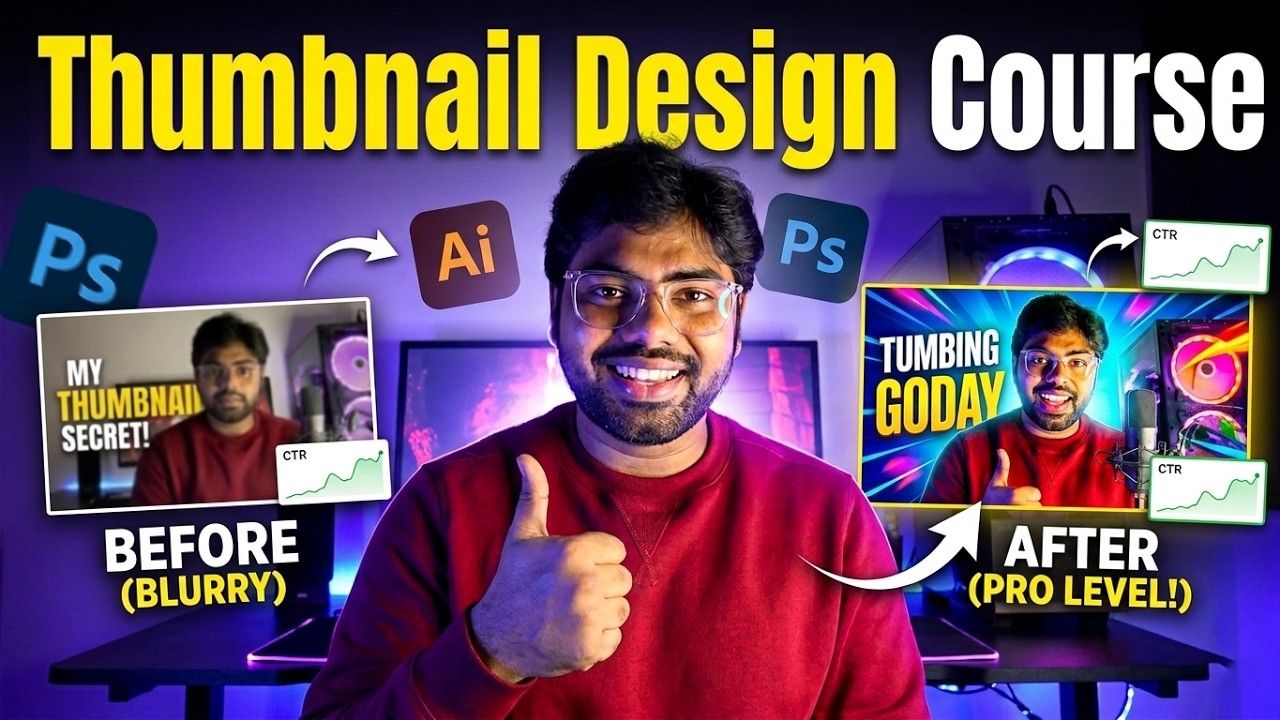
Thumbnail Design Course
Skill Level: Beginner to Advanced
Duration: 50+ in-depth lessons
Software Required: Adobe Photoshop (any recent version)
Learning Style: Practical, step-by-step demonstrations
Projects Included: Yes
Plugins Covered: Skin retouching & shadow enhancement tools
AI Workflow Included: Yes
-
A computer capable of running Adobe Photoshop
-
Adobe Photoshop installed (installation guide included)
-
Basic computer knowledge
-
No prior Photoshop experience required (beginners welcome)
-
Willingness to practice and experiment
This course is ideal for:
-
Beginners who want to learn Photoshop from scratch
-
Photographers who want to improve editing and retouching skills
-
Graphic designers who want to strengthen technical foundations
-
Content creators and YouTubers who want to design professional thumbnails
-
Social media managers and digital marketers
-
Freelancers who want to offer Photoshop services
-
Anyone who wants to master professional photo editing and design
- Description
- Curriculum
- Reviews
Master Adobe Photoshop from beginner to advanced with this complete, step-by-step course designed to take you from installation to professional-level editing and design.
This course gives you a deep understanding of every essential Photoshop tool and how to use them in real-world projects. You will start by mastering the interface and core tools, then move into advanced techniques like professional retouching, cinematic color grading, compositing, blending modes, and AI-powered workflows.
You’ll learn not just what each tool does — but when and why to use it. From flawless skin retouching and advanced hair selections to poster design, YouTube thumbnails, typography effects, and sky replacement — this course builds both technical skills and creative confidence.
By the end of the course, you will be able to:
-
Confidently navigate and customize the Photoshop workspace
-
Master brushes, gradients, pen tool, and advanced selections
-
Work professionally with layers, adjustment layers, and blending modes
-
Perform advanced color correction and cinematic grading
-
Retouch skin like a professional using manual and plugin workflows
-
Create high-impact posters, thumbnails, typography, and photo manipulations
-
Execute complex compositing projects
-
Use generative AI tools to speed up and enhance your workflow
This is not just a tool walkthrough — it’s a complete Photoshop mastery program.
-
1
 1. Photoshop Software Installation – Complete Guide
 -
2
2. Photoshop Interface
-
3
3. Move Tool, Marquee Tools and Lasso Tools
-
4
4. Object Selection Tool, Quick Selection Tool, Magic Wand Tool, Crop Tools, Frame Tool, Eyedropper Tool
-
5
5. Spot Healing Brush Tool, Remove Tool, Healing Brush Tool, Patch Tool, Content Aware Move Tool, Red Eye Tool
-
6
6. Clone Stamp Tool
-
7
7. Pattern Stamp Tool
-
8
8. Master Brush Tool - This ONE Brush Tool Can Change Your Editing Forever!
-
9
9. Understanding Brush Settings & Creating New Brushes
-
10
10. Beauty of Mixer Brush Tool
-
11
11. Master Gradient Tool
-
12
12. Understanding Blur Tool, Sharpen Tool and Smudge Tool
-
13
13. Understanding Dodge Tool, Burn Tool and Sponge Tool
-
14
14. Master Pen Tool – Understanding Pen Tool Options
-
15
15. Master Pen Tool – Part 2
-
16
16. Understanding Text Tool
-
17
17. Custom Shape Tools, Hand Tool, Rotate tool, Zoom Tool
-
18
1. The Ultimate Guide to Layers
-
19
2. Layer Styles: The Secret Weapon in Photoshop
-
20
3. Opacity vs Fill: What’s the Difference?
-
21
4. Understanding Adjustment Layers Part 1
-
22
5. Understanding Adjustment Layers Part 2
-
23
6. Mastering Curves in Photoshop
-
24
7. Detailed Explanation of Hue/Saturation Adjustment Layer
-
25
8. Understanding Color Balance, Channel Mixer and Photo Filter
-
26
9. Color Lookup, Gradient Map and Selective Color
 Google